
Window Cleaning Management System
Window cleaning software for UK rounds
A digital round book for the real working day: repeat customers, changed dates, finished cleans and payments still to come. Keep it together on your phone or desktop.
What should a digital round book keep track of?
A window cleaning round has two timelines: when the next clean is due and when the last one is paid. A paper diary can tell you where to go, but keeping payment notes, customer instructions and postponed visits in separate places makes it easier to miss something. Useful window cleaning software connects those records without confusing a booked visit, a completed job and a payment.
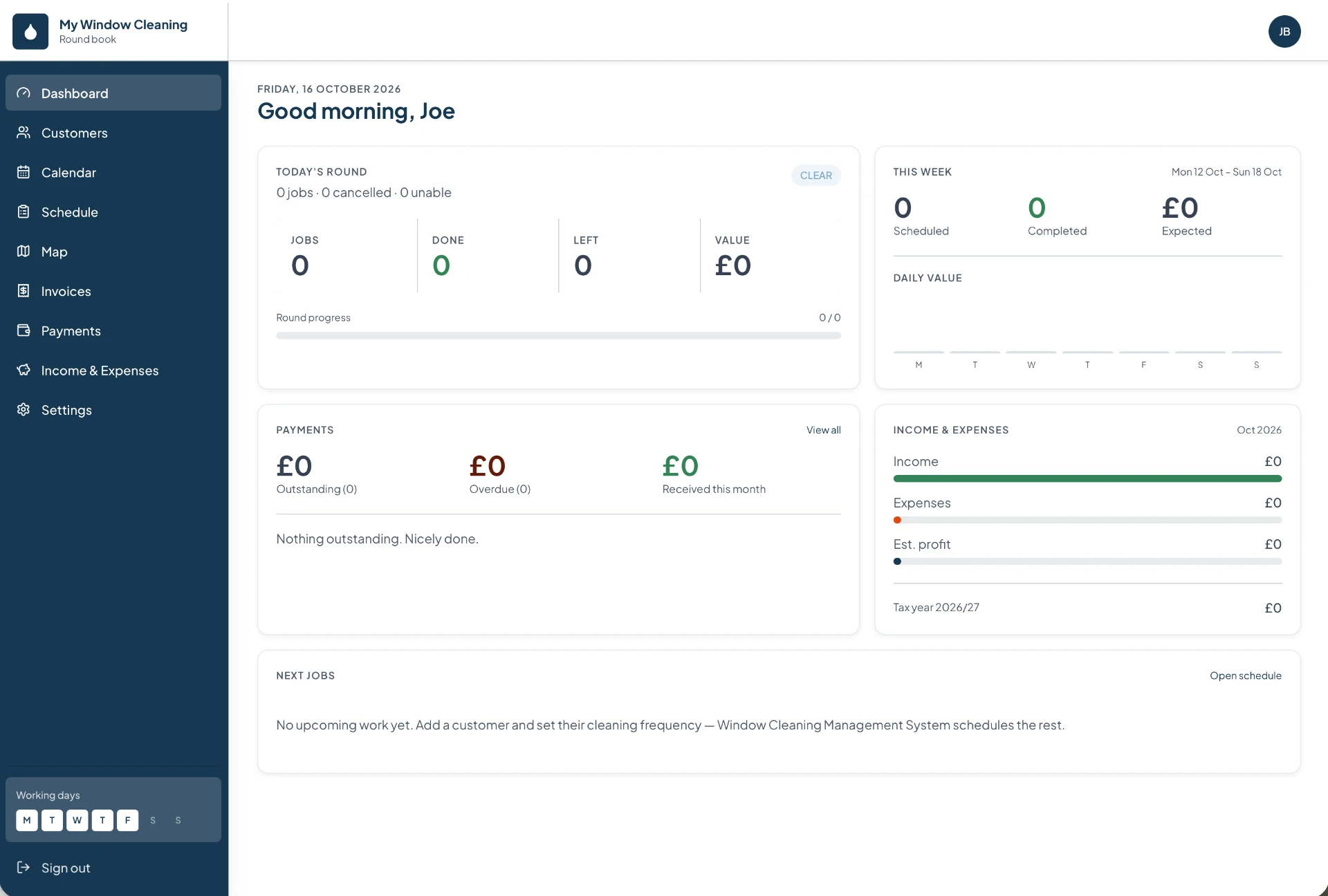
From the first booking to the money received
Keep the customer details that matter at the gate
- Record access instructions, cleaning notes and the visit interval alongside each customer — not just an address and a price.
- Check details like a locked side gate or a conservatory that needs extra time before you set off.
- Customer history keeps previous visits in reach without searching through old diary pages.
Build a recurring round around your working days
- Set how often each customer needs a clean instead of entering the same booking again and again.
- Future visits are created automatically from the recurring schedule.
- A visit falling on a day off moves to the nearest working day instead of disappearing.
- You can still pick a different date whenever the customer or your workload requires it.
Move a rained-off day without losing the next visit
- Select the affected jobs and move them together to your next working day or a chosen date.
- Review the confirmation before the change is made.
- Choose whether you're moving this visit only or changing the future schedule — they're different decisions.
- A four-weekly customer's next clean can stay on its original cycle.
Check the stops before opening navigation
- See customer locations on the round map and review today's stops in the daily schedule.
- Plan my route suggests an order from your current position.
- The journey then hands over to Google Maps or Apple Maps.
- Distance and timing figures are estimates, not live traffic — check the navigation app before a busy road or longer journey.
Separate a completed clean from a paid invoice
- Finishing the windows doesn't necessarily mean the money has arrived.
- Mark the job complete and generate a numbered PDF invoice with your business details.
- Track the invoice as outstanding until payment is recorded.
- Record the payment method — cash, bank transfer, card, cheque or other — so the record reflects what actually happened.
Record costs while the receipt is still in your pocket
- Upload a receipt photo and review the extracted supplier, date, total and VAT before saving.
- Check those figures — a faded receipt or unclear photo can produce a wrong reading.
- Income and expense views help you review monthly and tax-year totals.
- Use the records to support your bookkeeping; the charts aren't tax advice or a filed tax return.
Moving over from a paper round book
Start with a manageable part of your round. Add each customer's current price, cleaning interval and next visit date, then compare the calendar against your diary. Set your working days and holidays before relying on the upcoming schedule. Record outstanding balances carefully so an old unpaid clean is not mistaken for a new visit.
At the end of the day, check that completed jobs and received payments match your notes. Settings also lets you download a data backup and restore it later. Receipt photos and logos are not included in that backup, so keep separate copies of those files.
Try it against your own working day
During the 14-day free trial, check the tasks you repeat most: finding a customer's instructions, moving a delayed clean, producing an invoice and recording a payment. After the trial, the subscription is £25 per month. See the pricing page for the subscription details before you choose.
Get started
Ready to run your round from your phone?
Add your customers once. Window Cleaning Management System schedules every clean, plans your day and chases the money.